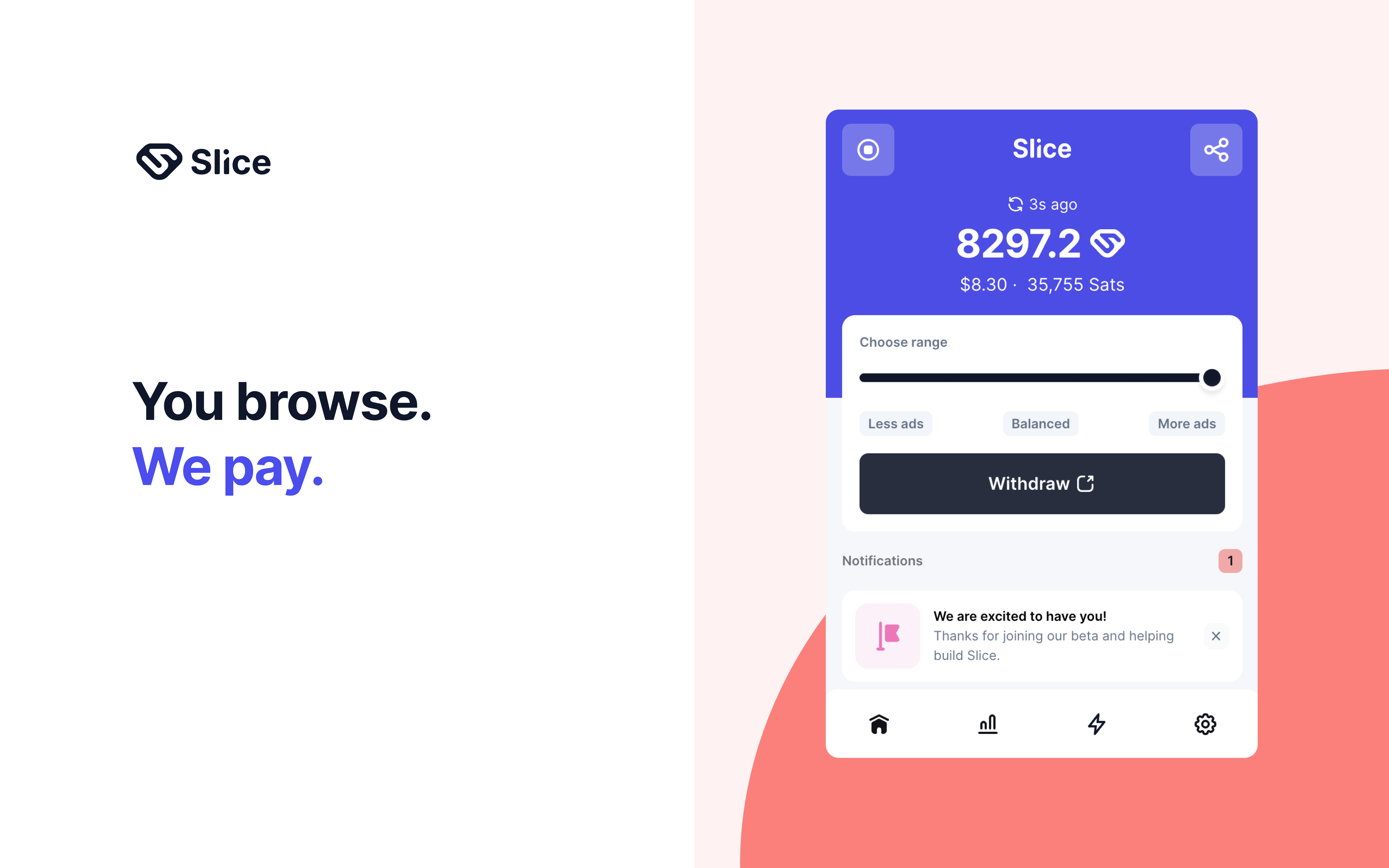
Slice is a browser extension that displays curated, non-intrusive ads as you browse normally, paying you a share of the ad revenue in return.
How Slice Works
- Install the Slice extension in your browser
- Browse the internet as you normally would
- Slice displays occasional low-key ads and credits you for views
- Withdraw earned Slices via PayPal, Bitcoin Lightning, or gift cards
Step-by-Step Guide to Getting Started
- Add the Slice extension from the Chrome Web Store or official site
- Create an account to start tracking your earnings
- Continue browsing normally no extra action required to earn
- Check your dashboard to see real-time earnings accumulate
- Withdraw whenever you like — there's no strict minimum threshold
Pros
- No separate app or active task required it works while you browse
- Doesn't monetize or store personal browsing data, per its privacy policy
- Flexible withdrawal options including crypto and gift cards
Cons
- Realistic earnings are low, often just a few dollars per month
- Some users report occasional browser slowdown
- Video reward features may be restricted in certain countries
Verdict
Slice is a low-friction way to monetize time you're already spending online, but keep expectations modest this is pocket-change money, not a side hustle replacement.